Current machine context
Give operators a focused view of machine status, order progress, downtime and the actions required during the shift.

SHOP FLOOR MONITORING
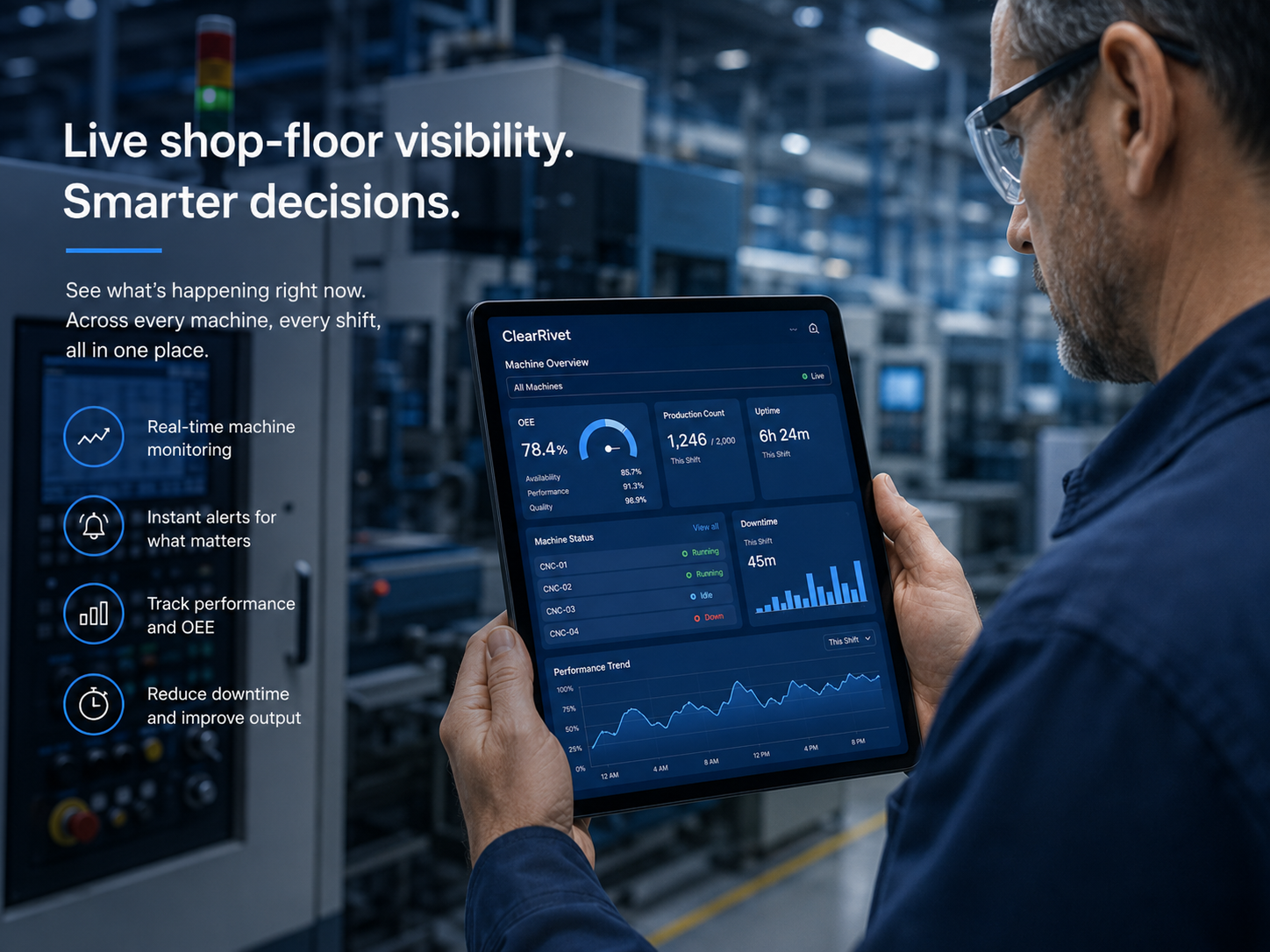
ClearRivet gives operators and supervisors an andon-style live view of machine state, production, order progress, downtime and call-for-help activity, with shift handover keeping context moving between crews.
WHY IT MATTERS
The same production record should support the person at the machine and the manager reviewing the whole plant. ClearRivet is designed around role-appropriate views rather than separate sources of truth.
Give operators a focused view of machine status, order progress, downtime and the actions required during the shift.
See which machines are running, stopped or falling behind without waiting for the end-of-shift report.
Use time-stamped events and reasons to investigate repeat stops and validate improvement activity.
CLEARRIVET APPROACH
The same production record should support the person at the machine and the manager reviewing the whole plant. ClearRivet is designed around role-appropriate views rather than separate sources of truth.
COMMON QUESTIONS
Yes. For downtime events that require operator context, the workflow can capture an appropriate reason and notes according to site configuration.
Short stops can be recorded separately based on configured thresholds so plants can analyse them without forcing unnecessary operator interaction.
Yes. Authorised management views are designed to aggregate machine status and KPIs at plant level.
EXPLORE CLEARRIVET
SHOP-FLOOR VISIBILITY
Shop-floor monitoring is most useful when the information is simple enough to understand at a glance. Running or stopped status, production against target, active downtime, order progress and calls for help are the kinds of signals that can change what the team does during the shift.
ClearRivet is designed to support both individual machine views and larger shared displays so operators, team leaders and support functions can work from the same current information.
A shop-floor screen should not try to display every available metric. Its job is to make the current operating condition obvious, highlight exceptions and help the team recognise when support is required.
See how to design a shop-floor TV dashboard around current machine state, target progress, downtime and help requests.
See it. Then prove it.